Files
The Files area gives your team one place to upload company documents, find them later, and control who can access them.
Upload and Find Files
After uploading a document, review it in the list or use search to find it quickly.
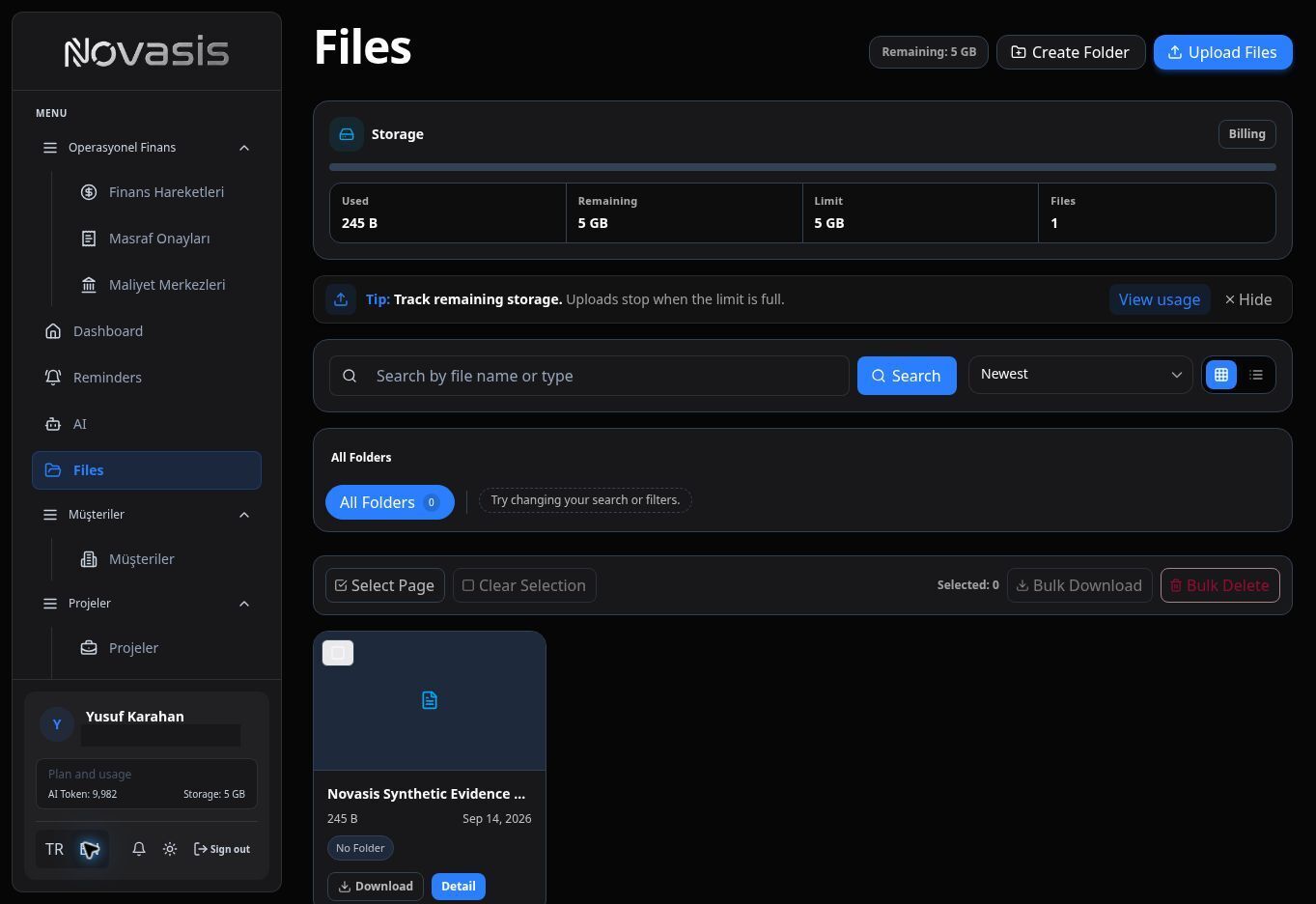
File details can show information such as file type, size, and folder.
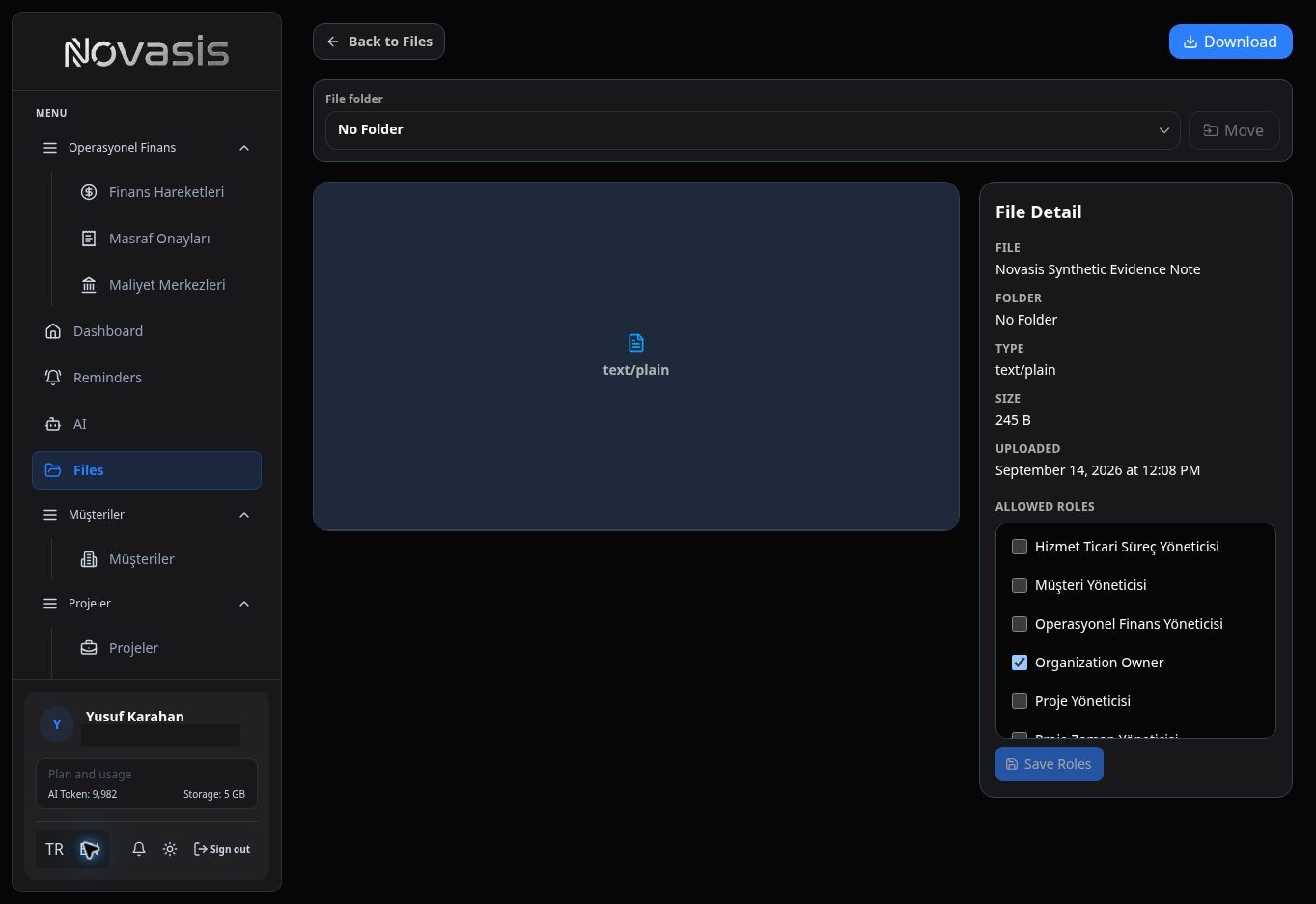
Limit Access
Use Allowed roles to make a file available only to the appropriate roles.
Storage Usage
Review your used storage and total limit under Billing and Payments.
For procedures, internal notes, and frequently used information, see Wiki / Notes.