Skip to content

Customer Relationship Management (CRM)

The Novasis CRM module allows you to manage all your companies, contacts, deals, and activities from a single, AI-powered center.

Companies and Contacts

Your customers, suppliers, and business partners are stored in the Companies section. The employees linked to each company are saved as Contacts.

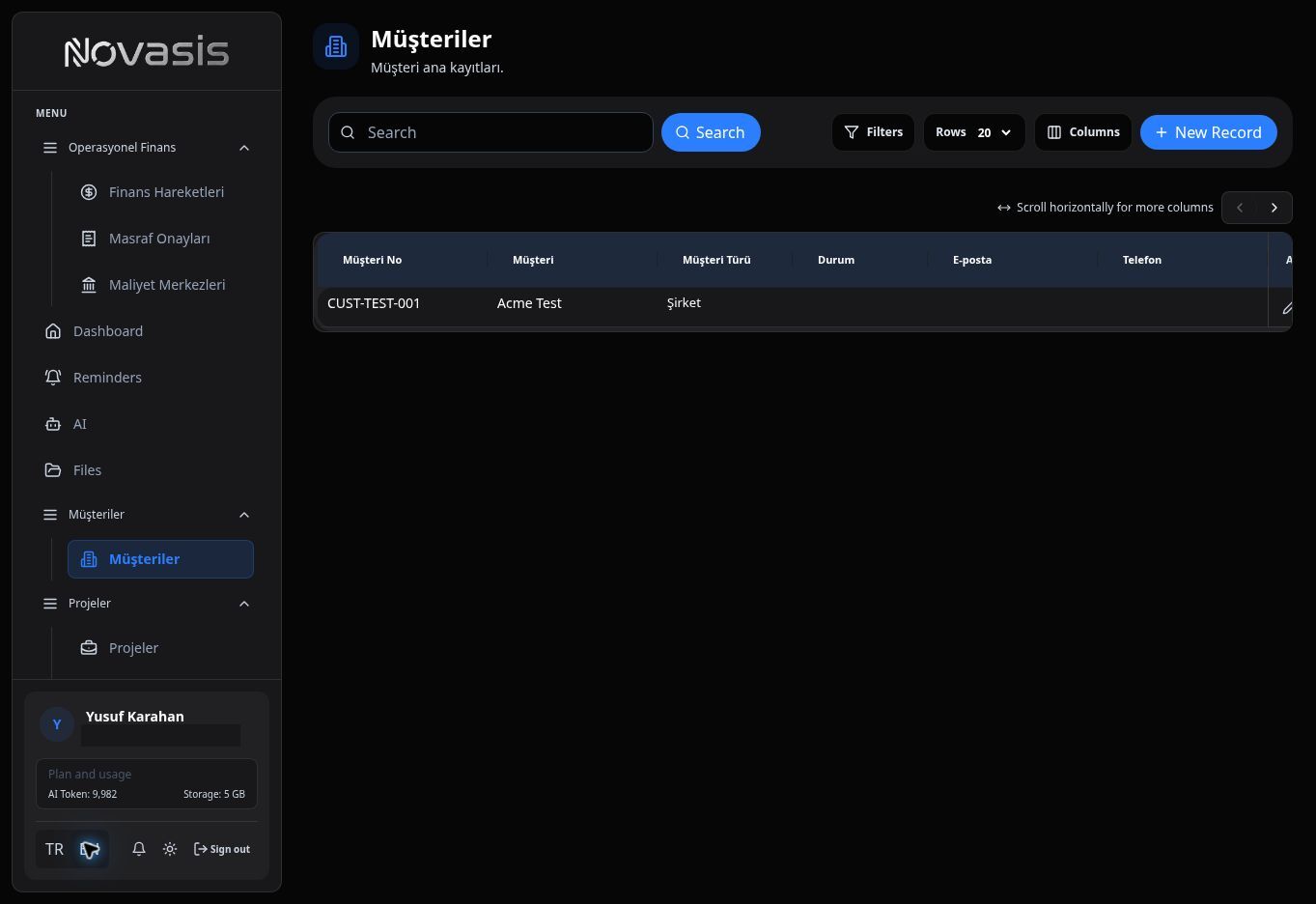
Companies List

Adding a New Company

  1. Navigate to the Companies page from the left menu.
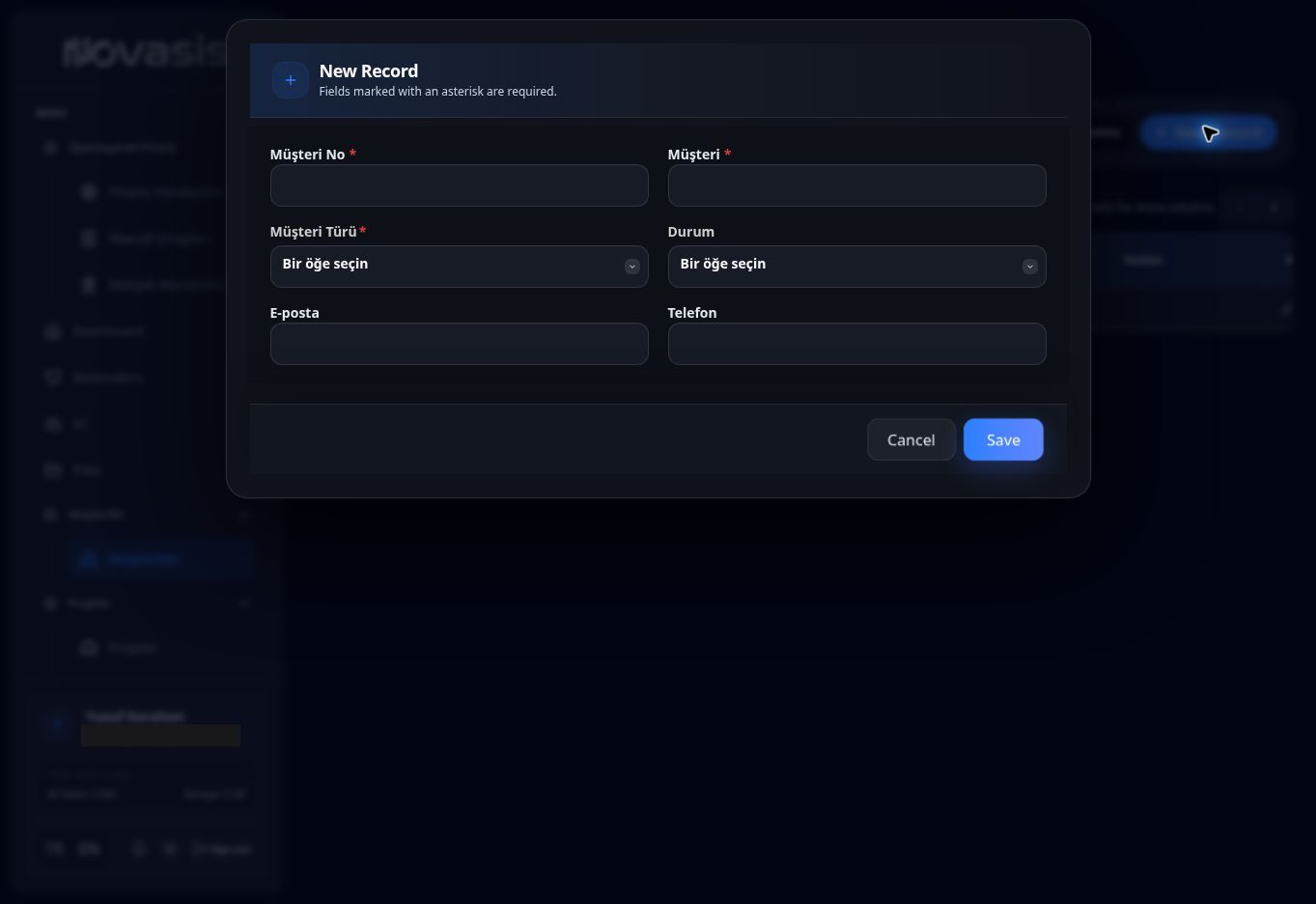
  2. Click the Add New Company button in the top right corner.
  3. In the window that opens, fill in the Authorized Person/Name/Email, Company Type (Customer, Partner, etc.), Company Name, Sector, and Status (Active/Inactive), then save.

Adding a Customer (Contact)

There is a separate page to register employees linked to companies or your individual customers:

  1. Navigate to the Customers page from the left menu.
  2. Click the Add New Customer button in the top right corner.
  3. In the window that opens, fill in the Account (Search by company name), Name Surname, Title, Phone, Email, and Tags (vip, decision-maker, etc.) to link the person, then save. In B2B processes, communicating with the right person is crucial.

Deals and Sales Tracking

To leave nothing to chance in your sales processes, you can track every potential sale as a Deal.

Deals List

Managing Deals

Your deals page presents your potential sales in a detailed list:

  • Top Statistics: In the top right of the screen, you can see the Total Potential amount of all your deals, the Weighted Estimate calculated by probabilities, and the number of Hot Deals.
  • Sales Stages (Stage): You can track the current stage of each deal (Potential, Qualified, Proposal, Negotiation, Won, etc.).
  • Probability and Amount: You can prioritize by seeing the probability of closing the sale (Probability bar) and the amount it will bring.
  • Source: You can analyze where the customer reached you from (website, LinkedIn, reference, etc.). You can use the + Add New Deal button in the top right to add a new deal.