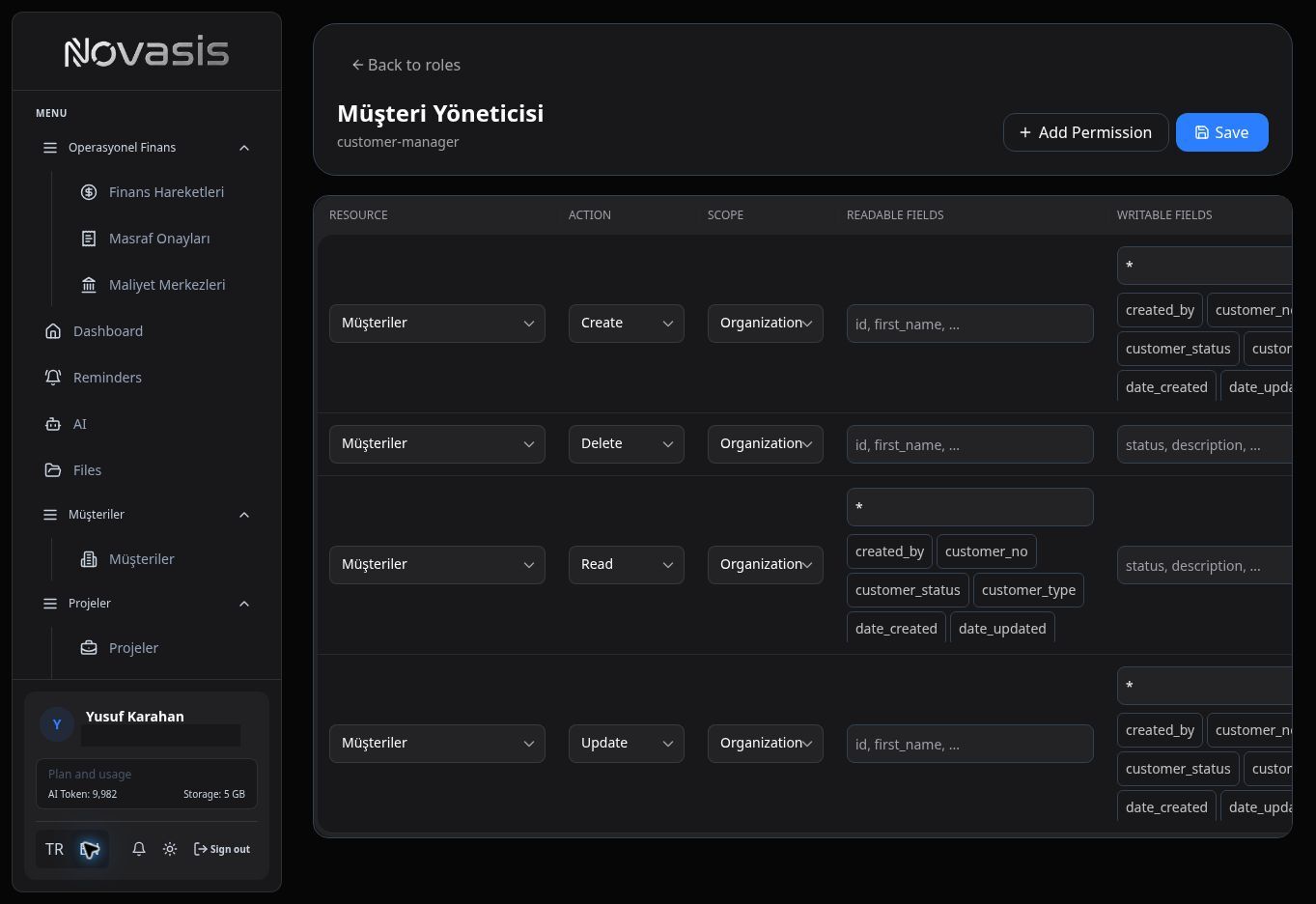
Roles & Permissions
Roles let you decide which parts of Novasis users can see and what they are allowed to do.
For example, a sales user may be able to work with customers and quotes without having access to finance information.
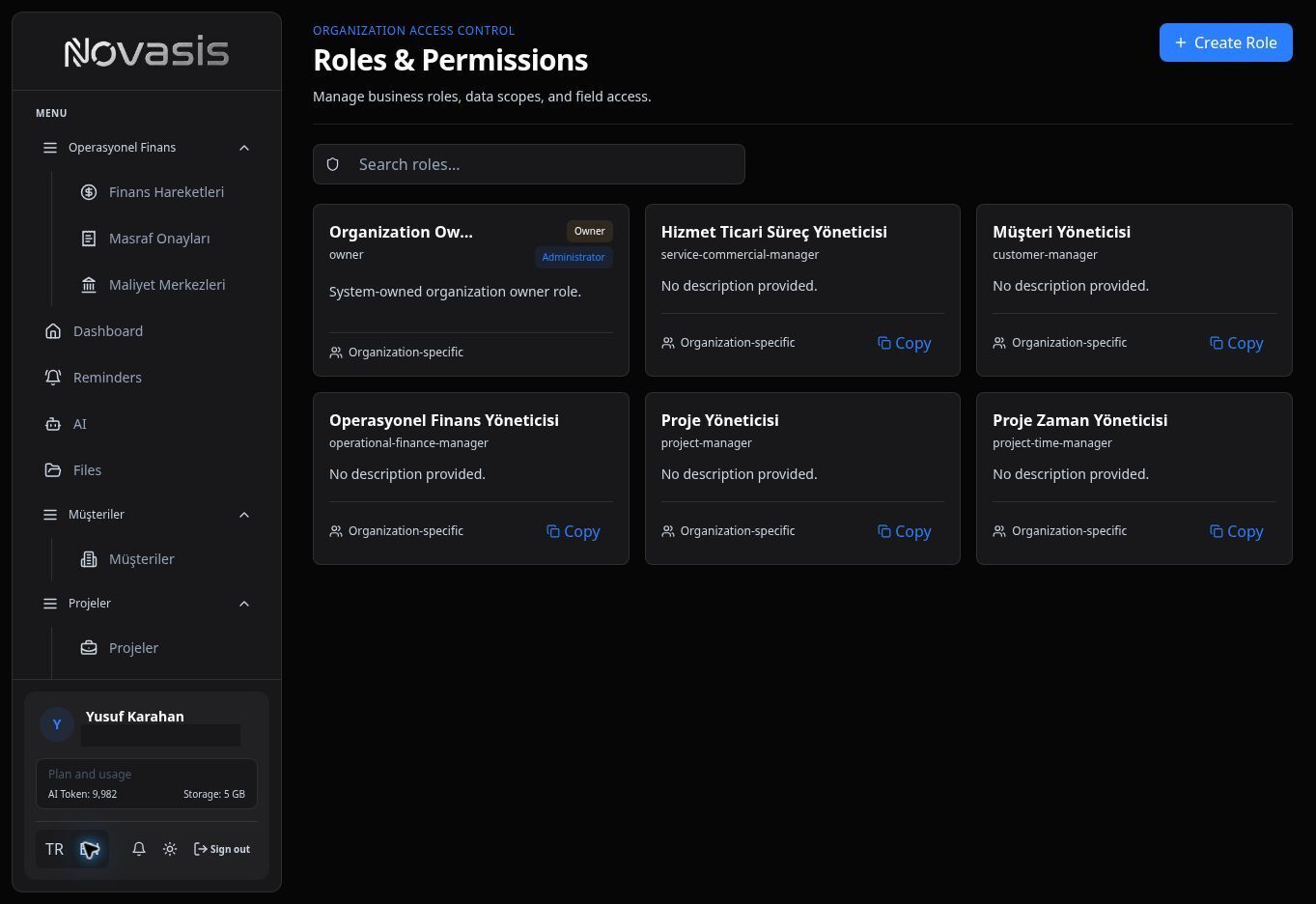
Create a Role
When creating a role, define its name, description, and user type. Then choose which areas and actions should be available to that role.
Set Permissions
Depending on your needs, you can control whether a role can:
- View records,
- Create new records,
- Edit or delete records,
- Access specific groups of records,
- Read or change specific fields when more detailed control is needed.
Important: Organization Owner is the main administrator role for the organization. Other roles can be configured separately for different responsibilities.