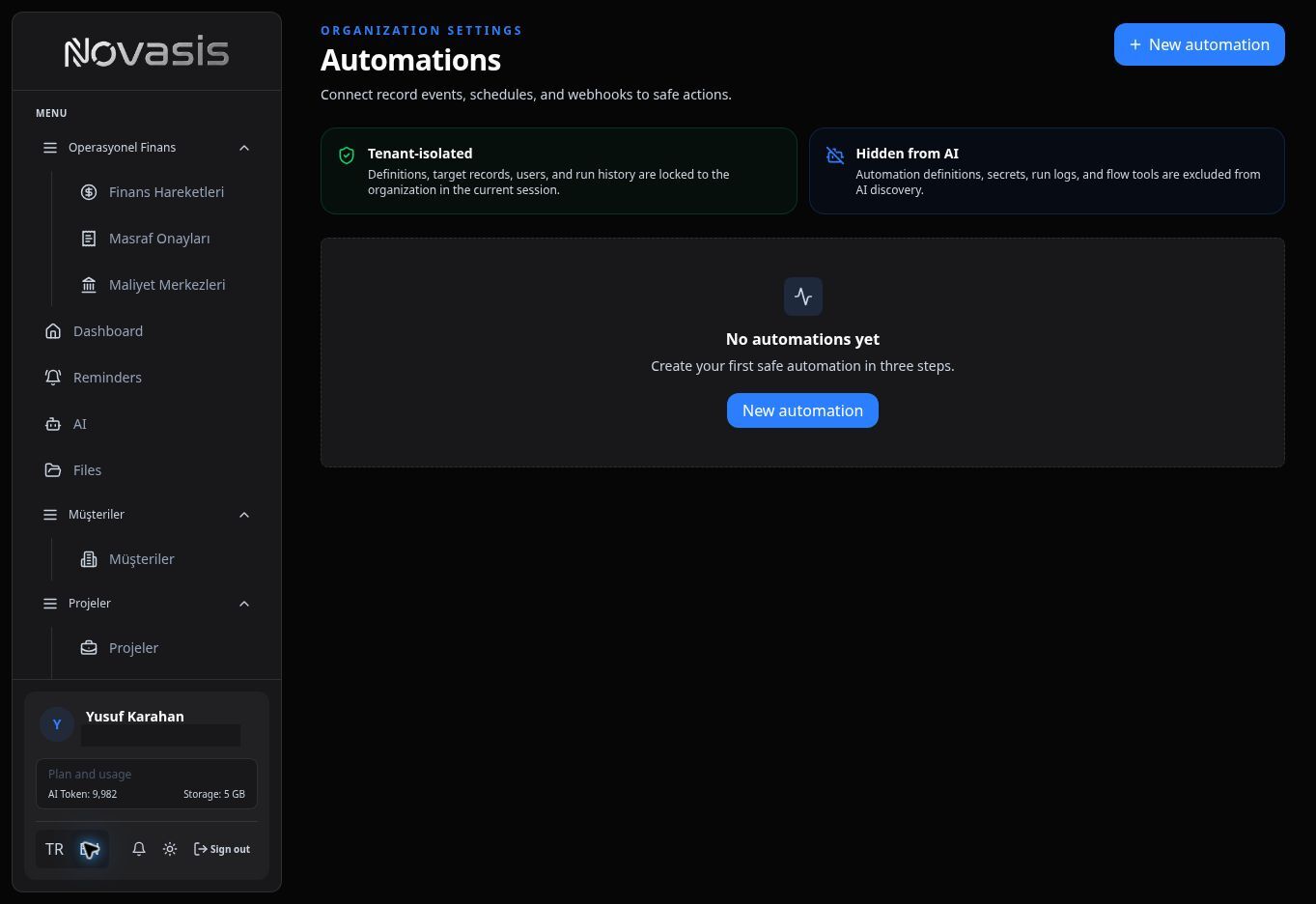
Automations
Automations let Novasis handle repeatable work for you when a chosen event happens or a scheduled time arrives.
Example Uses
For example, you can:
- Send a notification when a new record is added.
- Remind someone when a task date is approaching.
- Update another field automatically when a record changes.
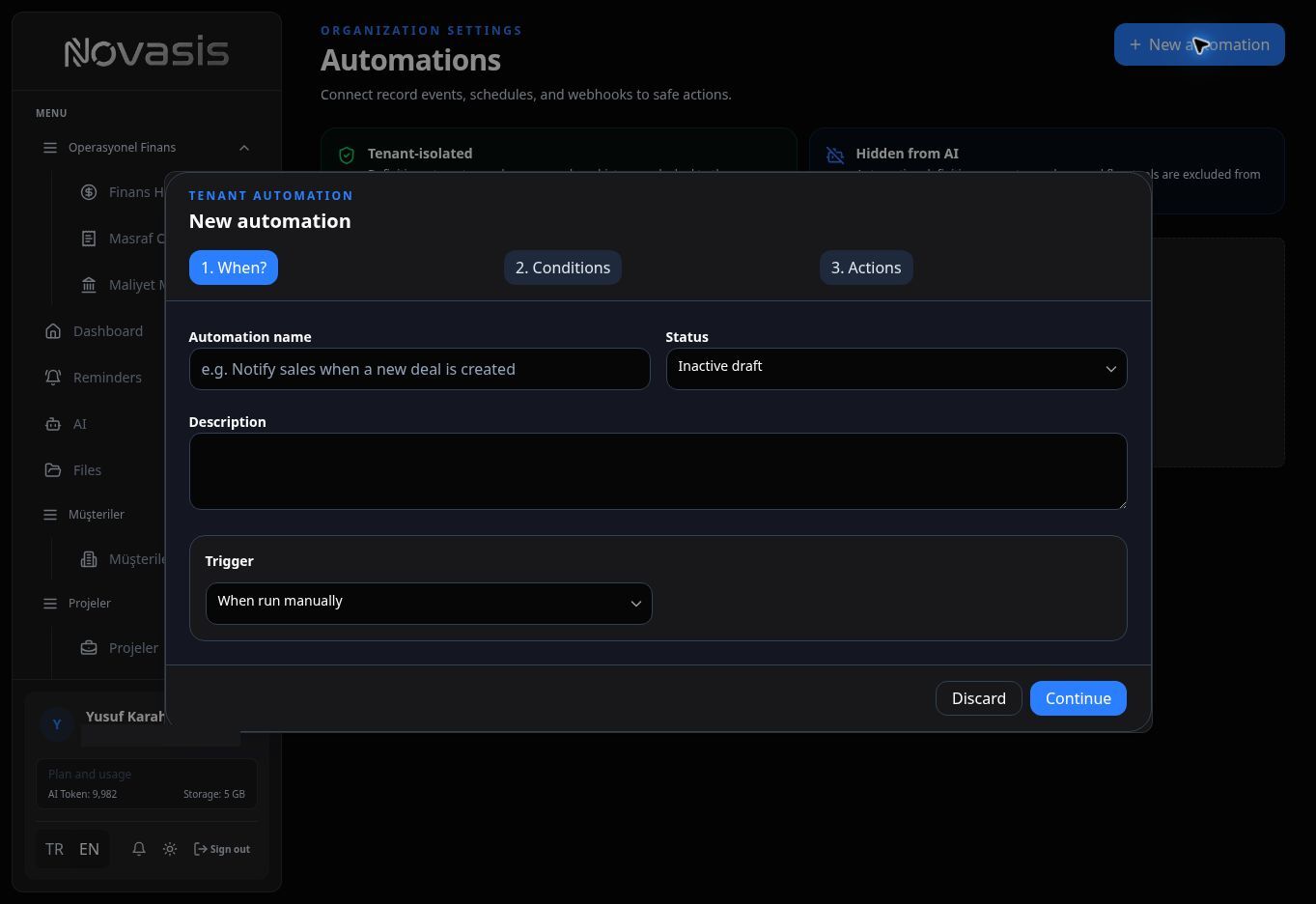
How an Automation Works
First choose what starts the automation. Then choose what Novasis should do.
Available steps can include sending a notification, creating a record, or updating an existing record.
Manage and Review Automations
Turn automations on or off and review their run history. Supported automations can also be run manually.
For more advanced integrations, webhook or HTTP options can be available for connecting to external systems.
Note: Available options can vary according to your organization's enabled areas and your permissions.