Chatbot
Novasis Chatbot talks with customers on your websites and answers using the information you provide.
Each organization uses one chatbot. The same chatbot can be added to multiple websites.
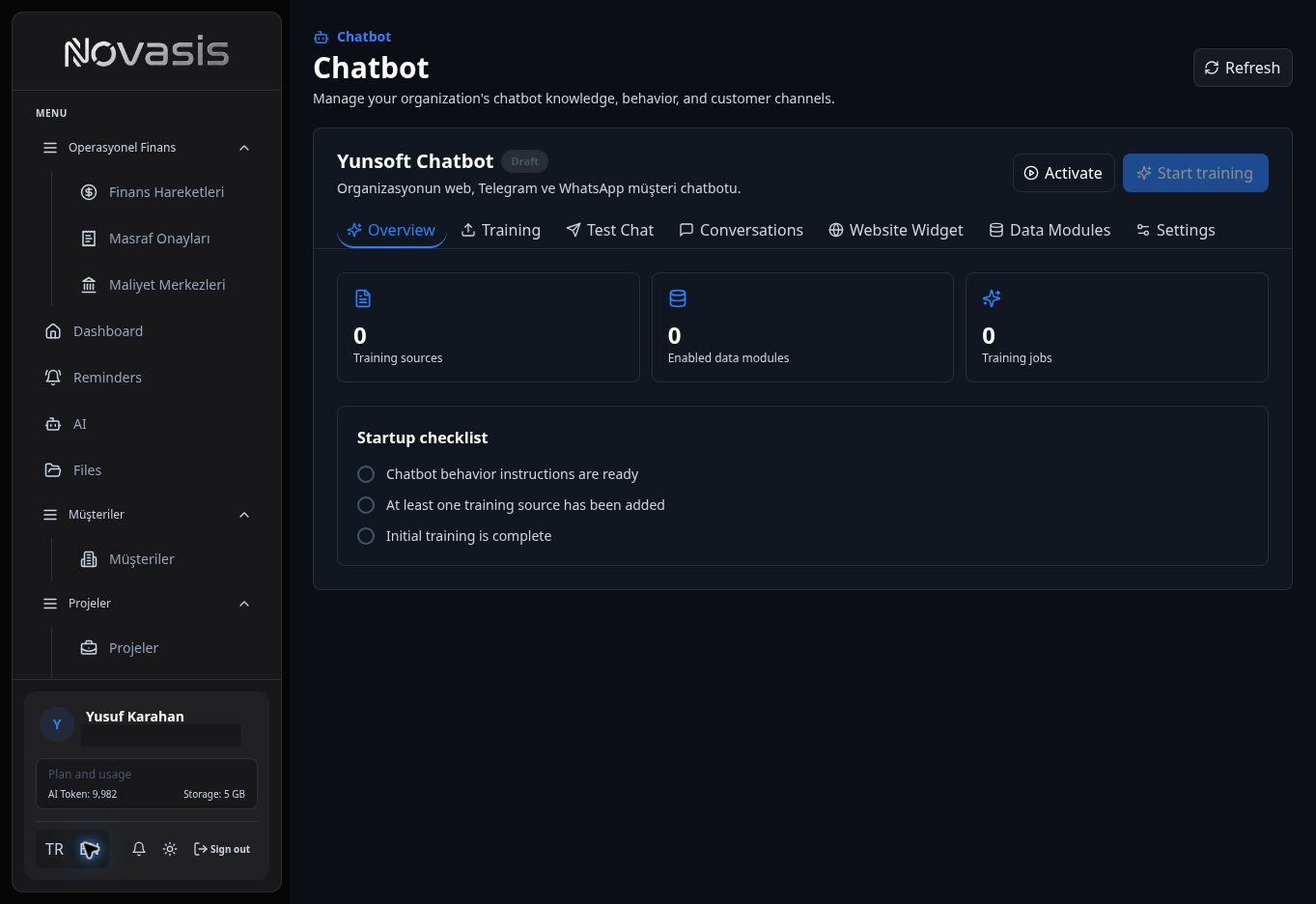
Give the Chatbot Your Information
Add text, documents, and supported images as knowledge sources. Keeping these sources up to date helps the chatbot answer questions about your products, services, and processes more accurately.
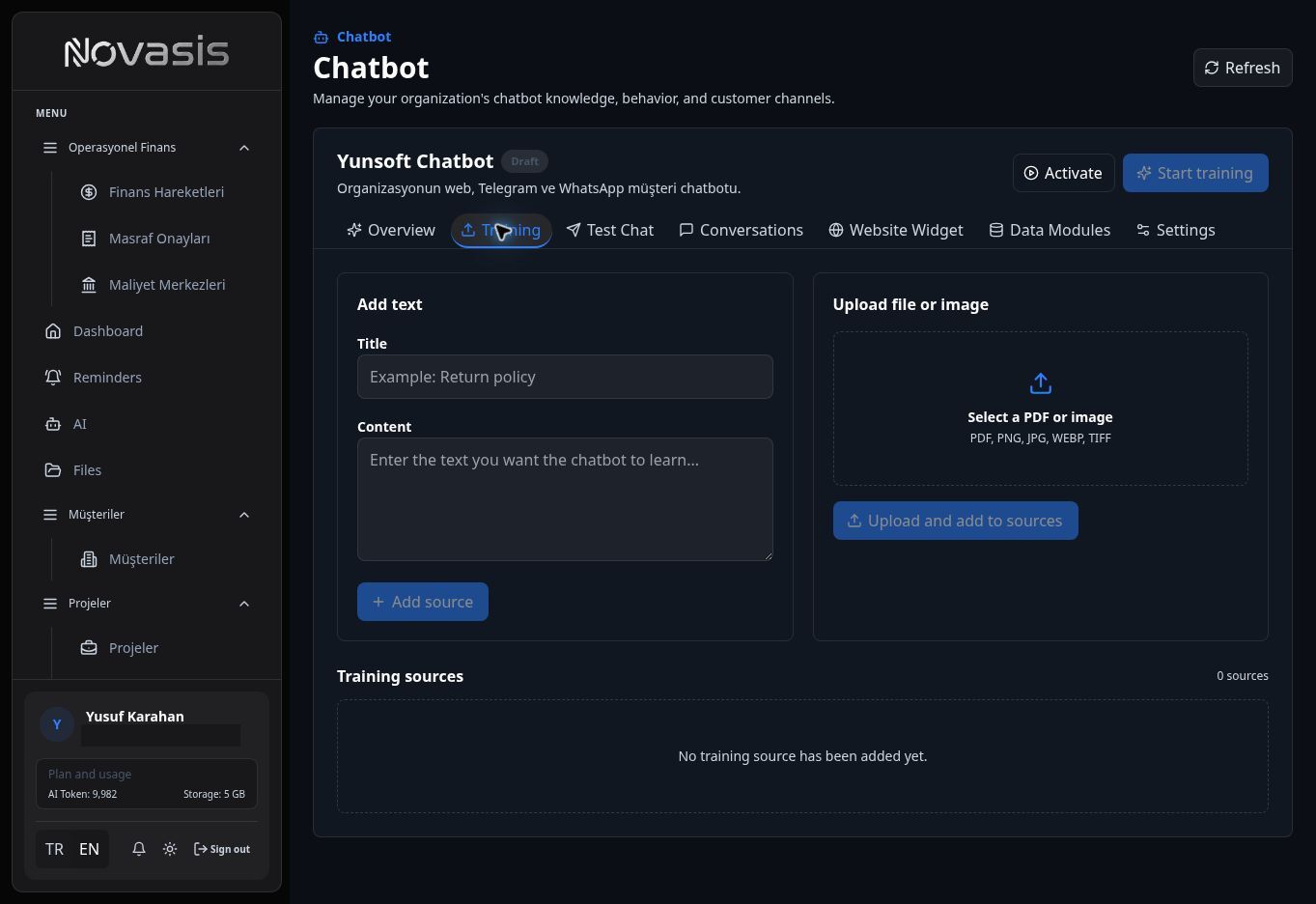
Use Current Novasis Information
From Data Modules, choose which Novasis information the chatbot is allowed to read.
This access is read-only. It lets the chatbot use the current product or service information you allow when answering customers.
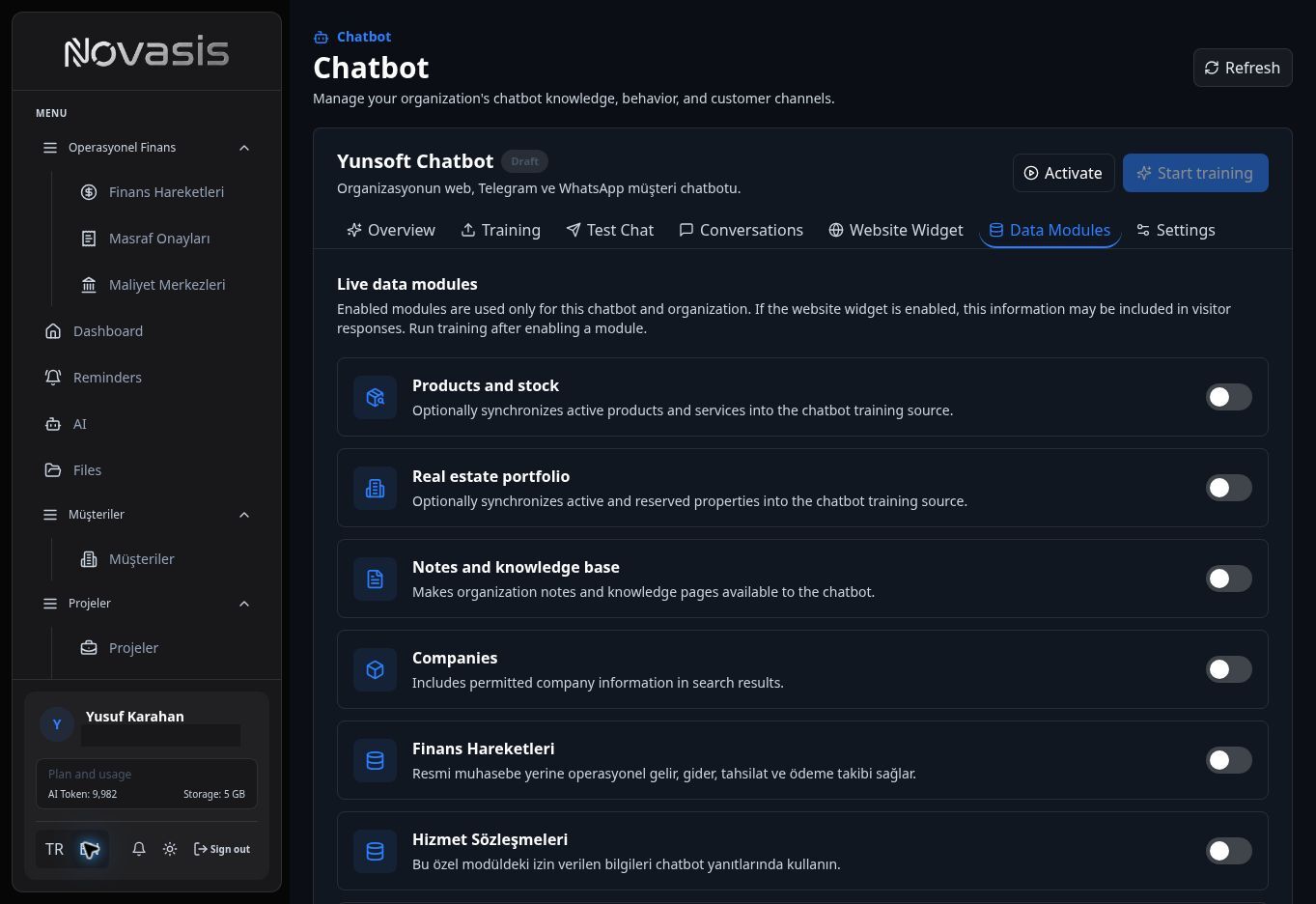
Important: Do not give the chatbot access to information that should not be shown to customers.
Match the Chatbot to Your Brand
You can change the chatbot title, colors, image, welcome message, button text, and position on the screen.
Add the Chatbot to Your Website
Use Website Widget to control how the chatbot appears on your website and which websites are allowed to run it.
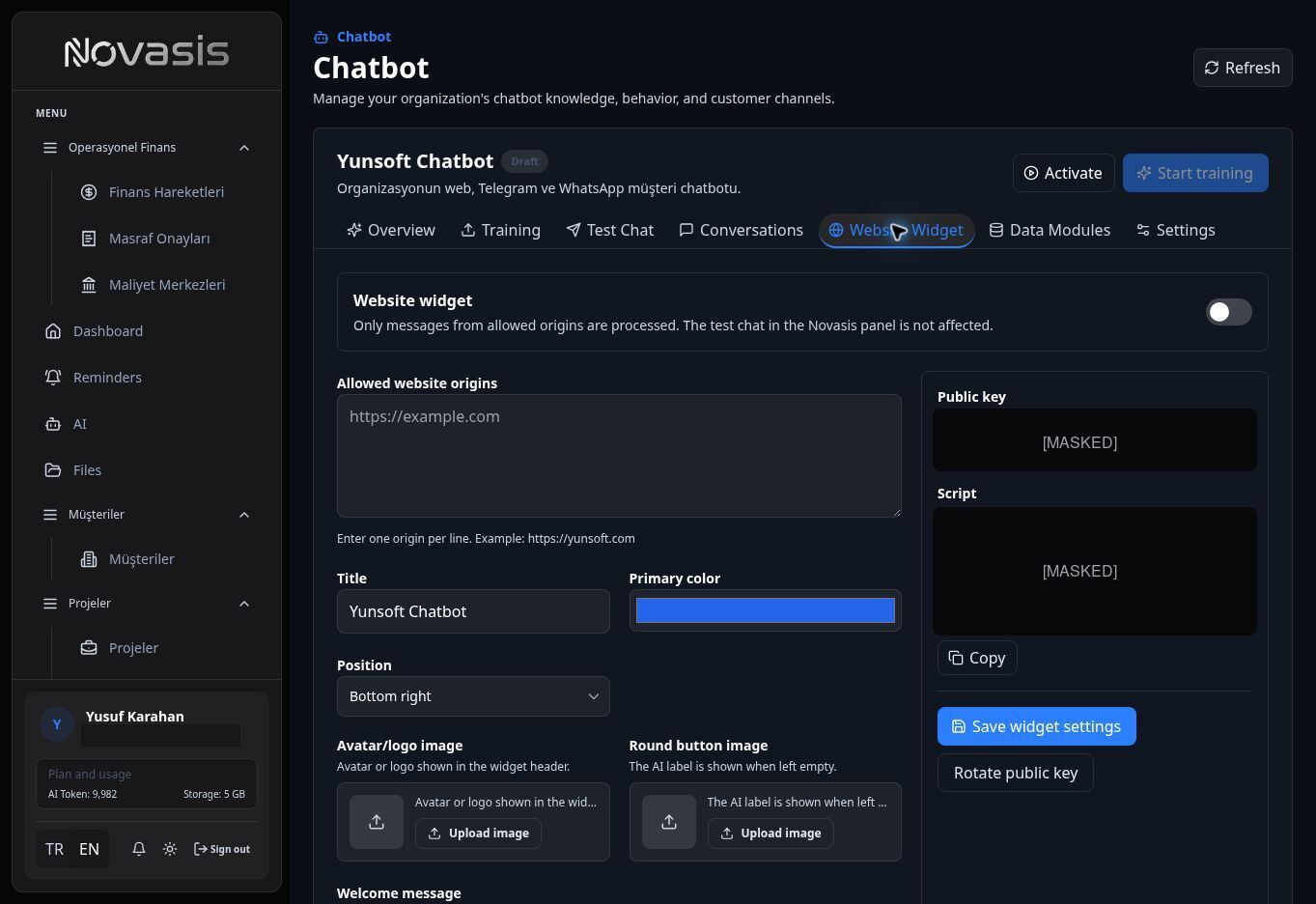
Allowed Websites
Add the websites where the chatbot may run under Allowed website origins. If you use the same chatbot on more than one website, enter each website on a separate line.
Add the Installation Code
The Script generated by Novasis is the installation code used to add the chatbot to your website. Copy it into the appropriate area of your site.
Handoff to Human Support
If a customer asks to speak with a person, or the chatbot cannot resolve the request, the conversation can be sent to Helpdesk. Your support team can continue the conversation from there.