Projects & Tasks
The Projects area helps you keep customer or internal work together and break day-to-day work into clear tasks.
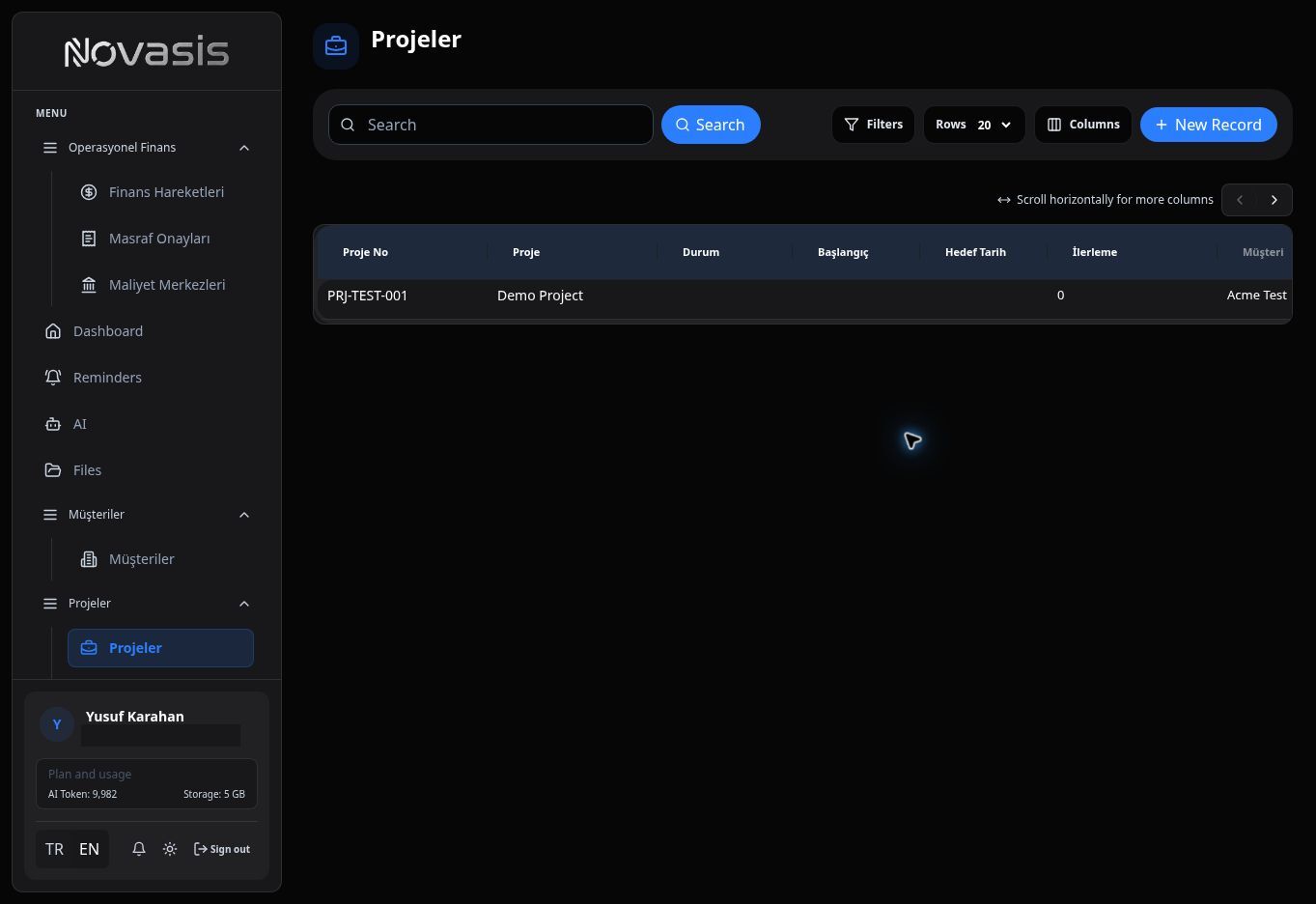
View and Create Projects
Use the project list to review existing projects or create a new one. When creating a project, you can link it to a customer, choose the responsible person, and add more people later from the Members area.
Tracking Tasks
Add project work as tasks and follow progress from one place.
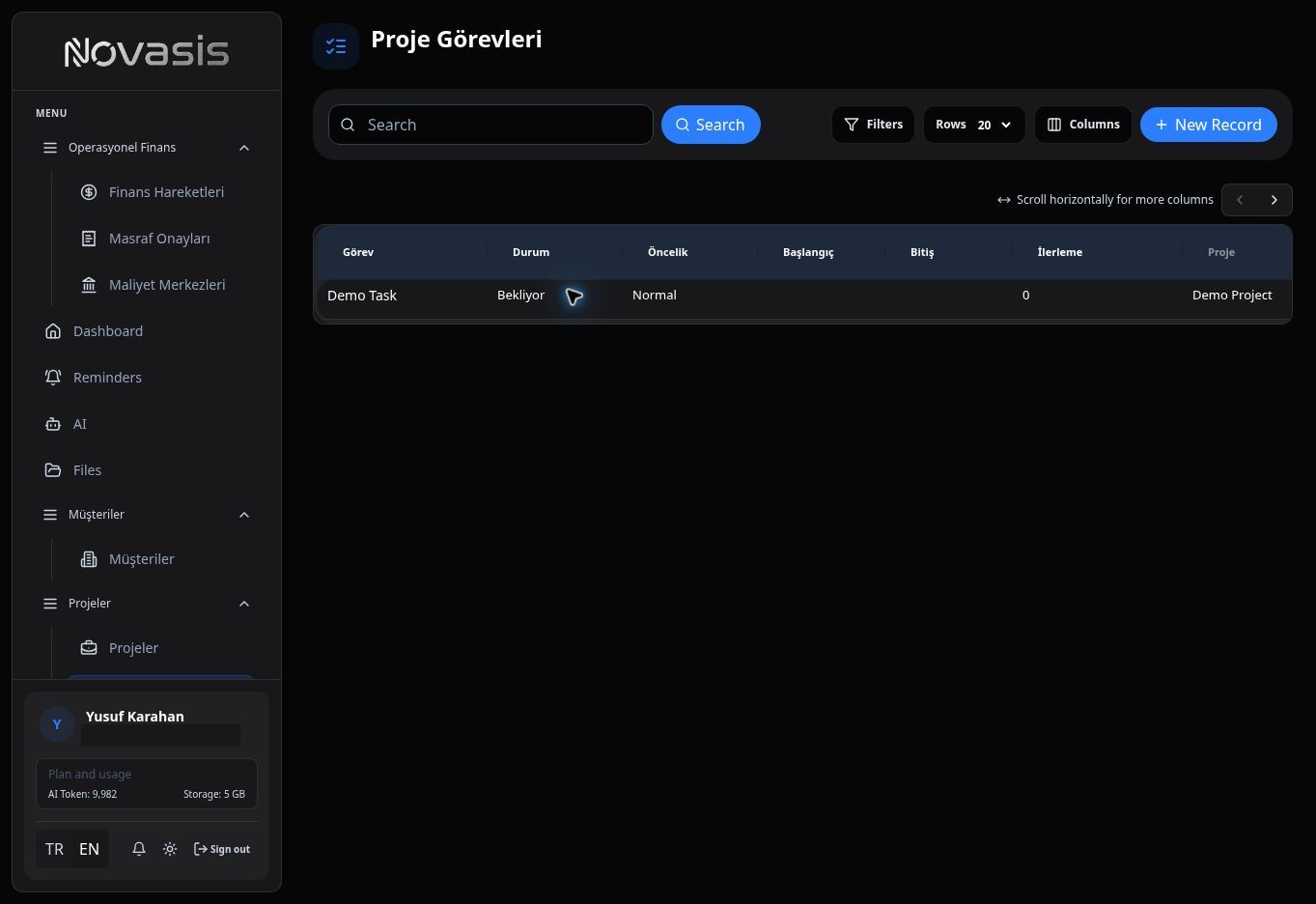
For each task, you can:
- Choose a responsible person,
- Set a deadline,
- Track progress with statuses such as Pending, In Progress, Completed, and Cancelled,
- Move tasks between statuses in the Kanban view.
Novasis can send automatic notifications when a deadline is approaching or has passed.
Who Can See Projects?
Project and task visibility depends on user permissions. Manage access from Roles & Permissions.